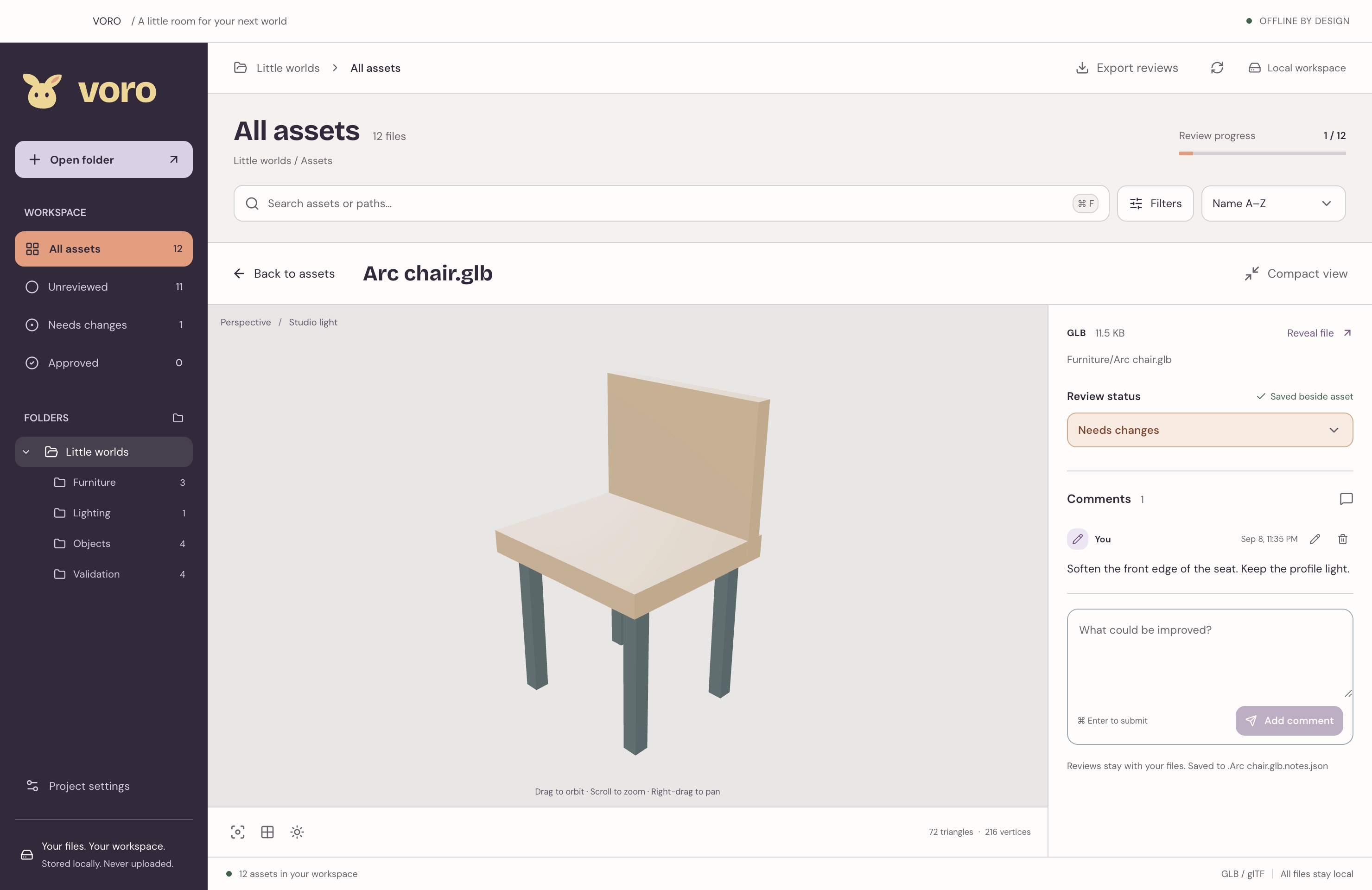
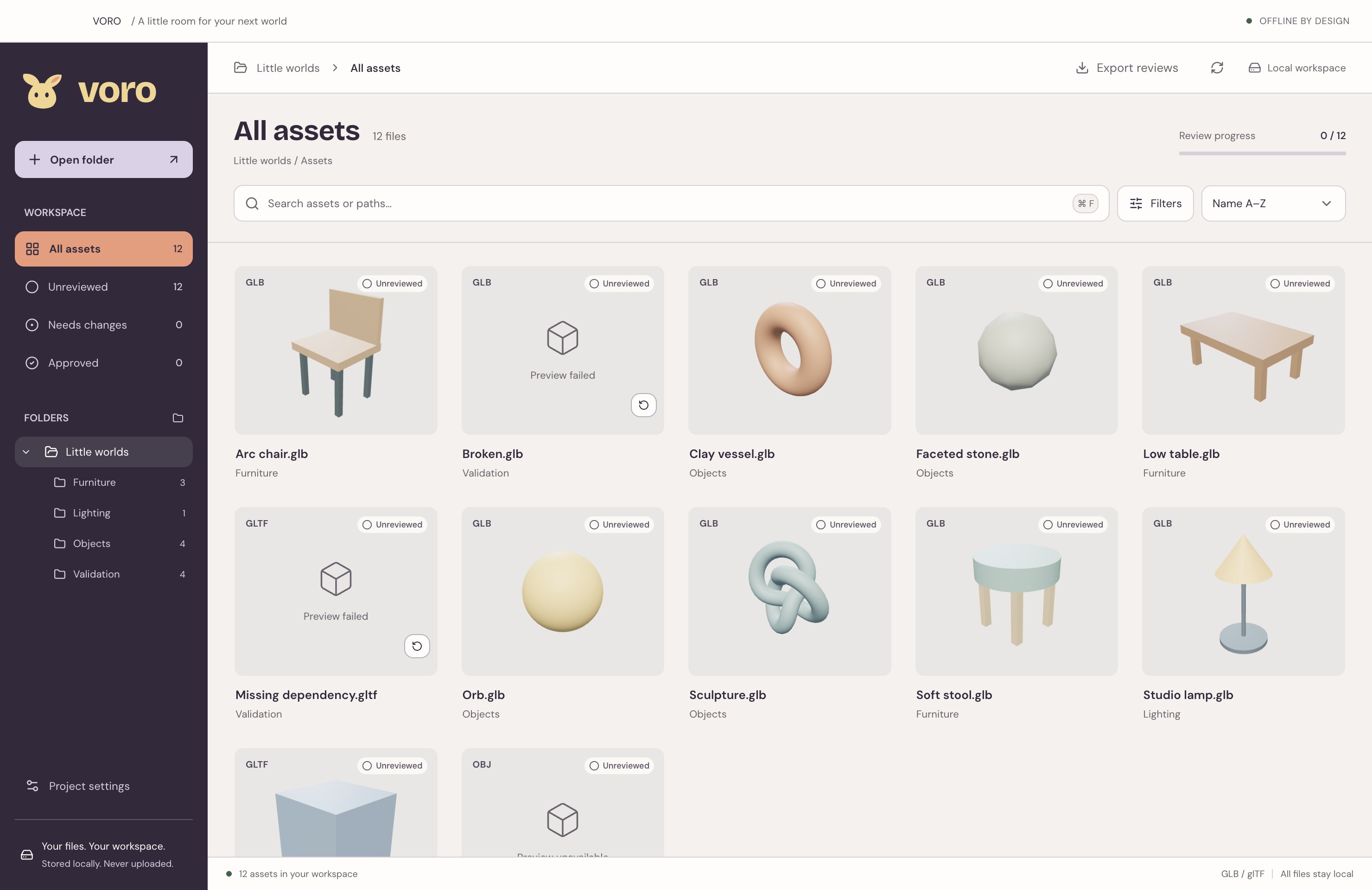
VORO is a desktop workspace for browsing local 3D assets, inspecting models, and saving review feedback. It’s made for the little decisions that help a game world come together.
Which 3D formats can I preview?
GLB and glTF models support interactive previews, including supported animations and Draco, Meshopt, and KTX2 compression. FBX, OBJ, Blender, and USD files can be cataloged and reviewed, but don’t have a built-in preview yet. Use the Preview available filter to focus on models you can inspect.
Do I need an account or an internet connection?
The desktop review workflow runs locally and offline. There’s no VORO account to create and no project upload. An internet connection is needed to download the app.
Where do my notes go?
Saved feedback lives in versioned JSON sidecar files next to the source asset, such as .Arc chair.glb.notes.json. Your project’s usual file and version-control workflow can carry the notes with it.
Can I use the feedback in other tools?
Yes. Export reviews collects saved reviews into structured JSON with asset paths, review status, comments, stable IDs, and revisions. It’s readable by people, scripts, and AI tools you choose to use. Linear and Jira integrations are not available.
When can I download VORO?
Available builds are listed above with their version, platform requirements, and release notes. Platforms without a verified release are marked Not available yet.